
Consumables
Order toner by model, SKU and serial number
Use this lookup to capture model, serial and toner-label context before sending a consumables request to sales.
- 01 Identify the machine Capture model and serial context from the device label, meter report or service history.
- 02 Capture the consumable Add toner colour, SKU or cartridge label information before sales checks availability.
- 03 Send the order context Route the matched context into the toner request form without publishing unverified part numbers.
Use this for
- 01
Identify the machine
Capture model and serial context from the device label, meter report or service history.
- 02
Capture the consumable
Add toner colour, SKU or cartridge label information before sales checks availability.
- 03
Send the order context
Route the matched context into the toner request form without publishing unverified part numbers.
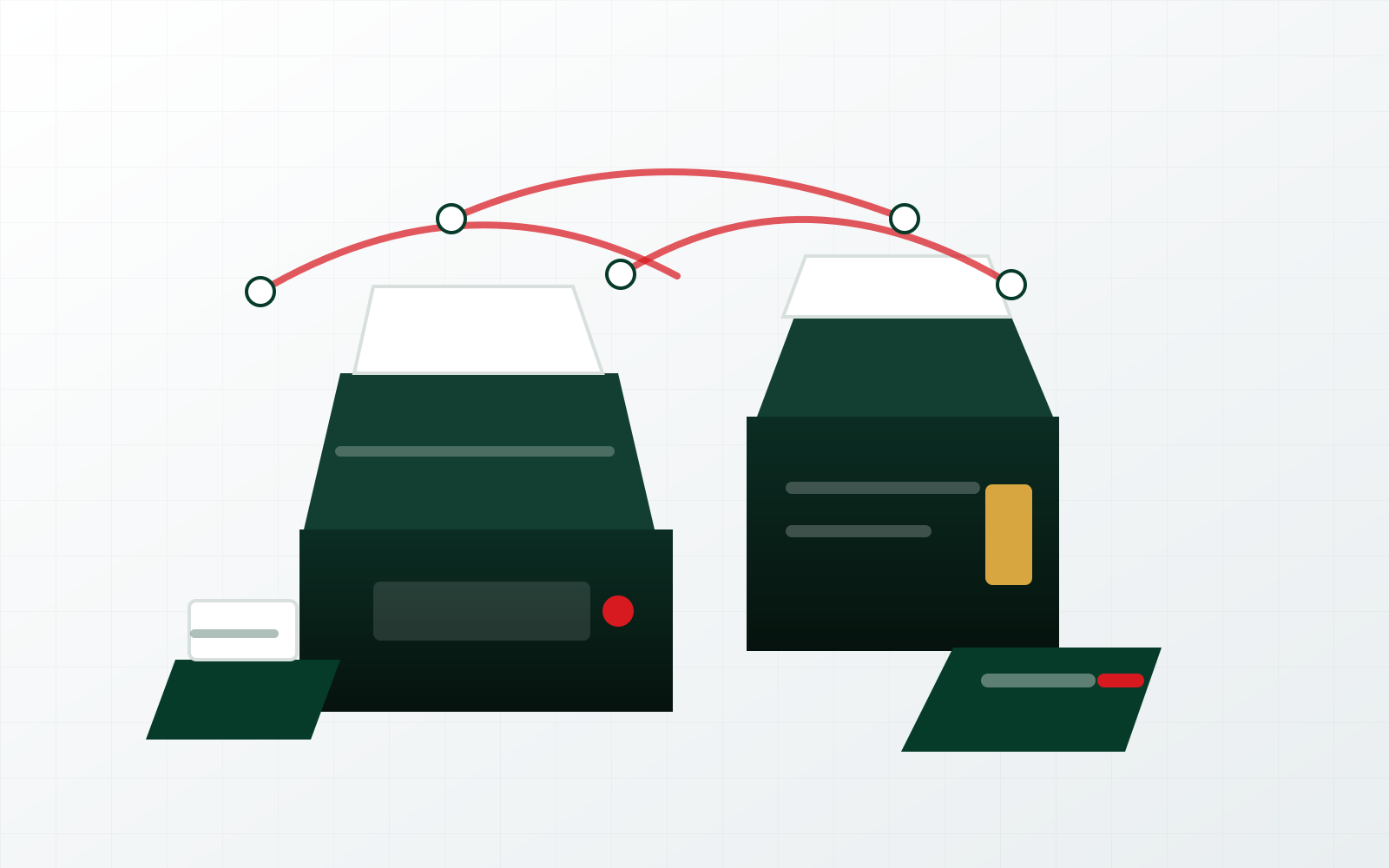
Consumables
Order toner by model, SKU and serial number should turn browsing into action.
The lookup captures model, serial and consumable context before sales confirms availability.
Order tonerResource workflow
- 01Identify the machineCapture model, serial and cartridge label context before guessing toner compatibility.
- 02Check the configured familyUse configured device-family matching without publishing unverified stock or part claims.
- 03Send the requestCarry the matched model, SKU and quantity context into the toner order lane.
Toner lookup
Check the consumables lane before the order goes out.
Enter the device model, machine serial, toner label or SKU. The lookup recognises configured Ricoh device families and prepares an order request without publishing unverified part numbers or stock claims.
Reach the right desk